

In the world of web development, choosing the right tools can make a big difference in the efficiency and scalability of your projects. In this article, we'll explore integrating Next.js, a popular React framework, with Prisma, a modern and robust ORM. We'll see how these two powerful tools can work together to simplify and enhance web application development, using Docker to set up PostgreSQL.
What is Next.js?
Next.js is a React framework that enables server-side rendering (SSR) and static site generation (SSG), providing a better user experience and optimization for search engines (SEO). Its features include:
- Server-side Rendering (SSR): Renders pages on the server before sending them to the client.
- Dynamic Routes: Facilitates the creation of file-based routes.
- Automatic Optimization: Performance improvements such as code splitting and resource preloading.
What is Prisma?
Prisma is an Object-Relational Mapping (ORM) for Node.js and TypeScript. Its goal is to simplify interactions with the database by providing an abstraction layer that allows working with relational databases through a more modern and typed approach. Its advantages include:
- Static Types: Helps avoid errors at compile time.
- Automated Migrations: Facilitates database schema evolution.
- Simplified Queries: Use of an intuitive and powerful client to perform CRUD operations.
How to setup the environment to use Next.js
Prerequisites
Before getting started, make sure you have Node.js installed, a package manager like npm or yarn, and Docker.
Next.js Installation
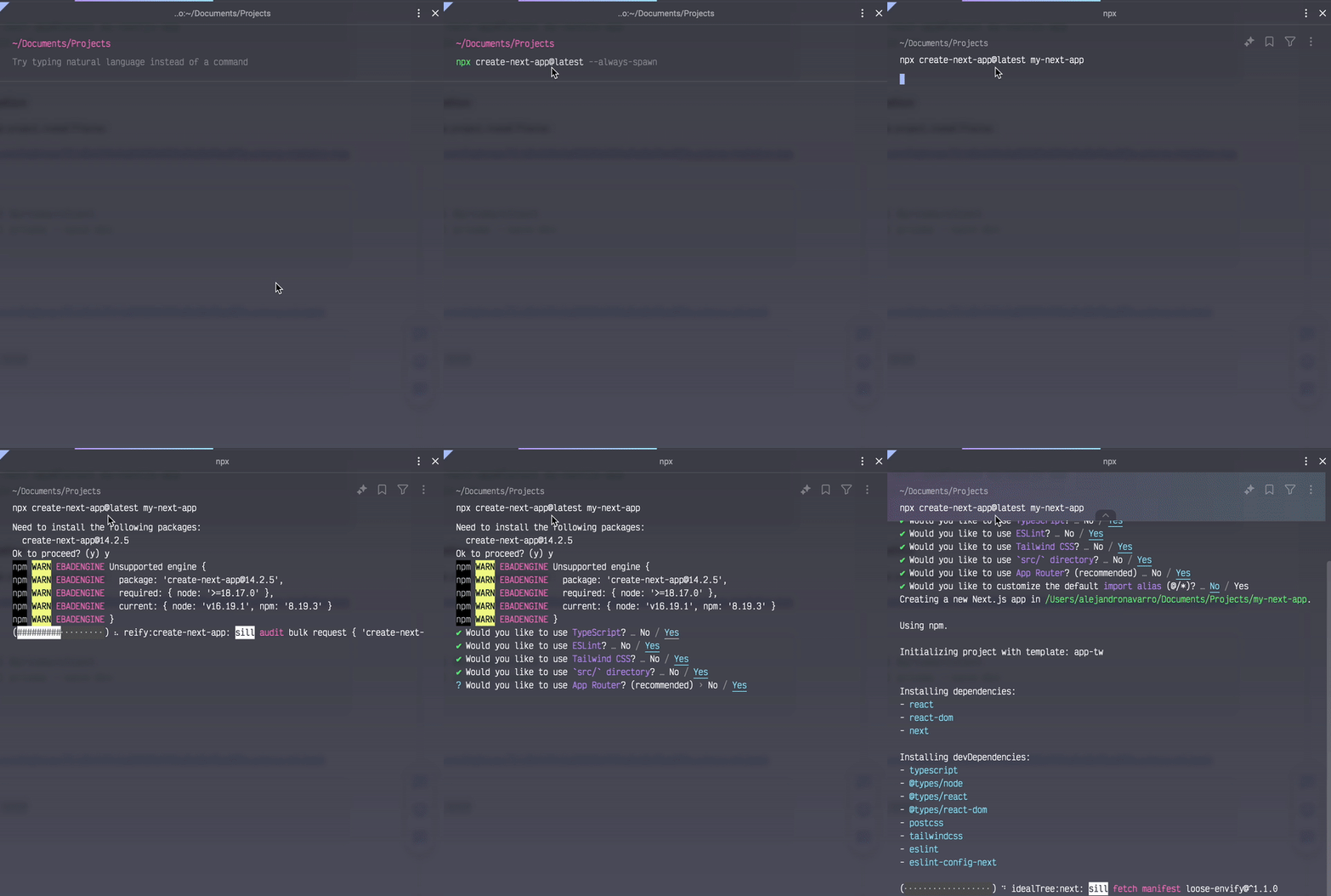
To create a new Next.js project, run:
Prisma Installation
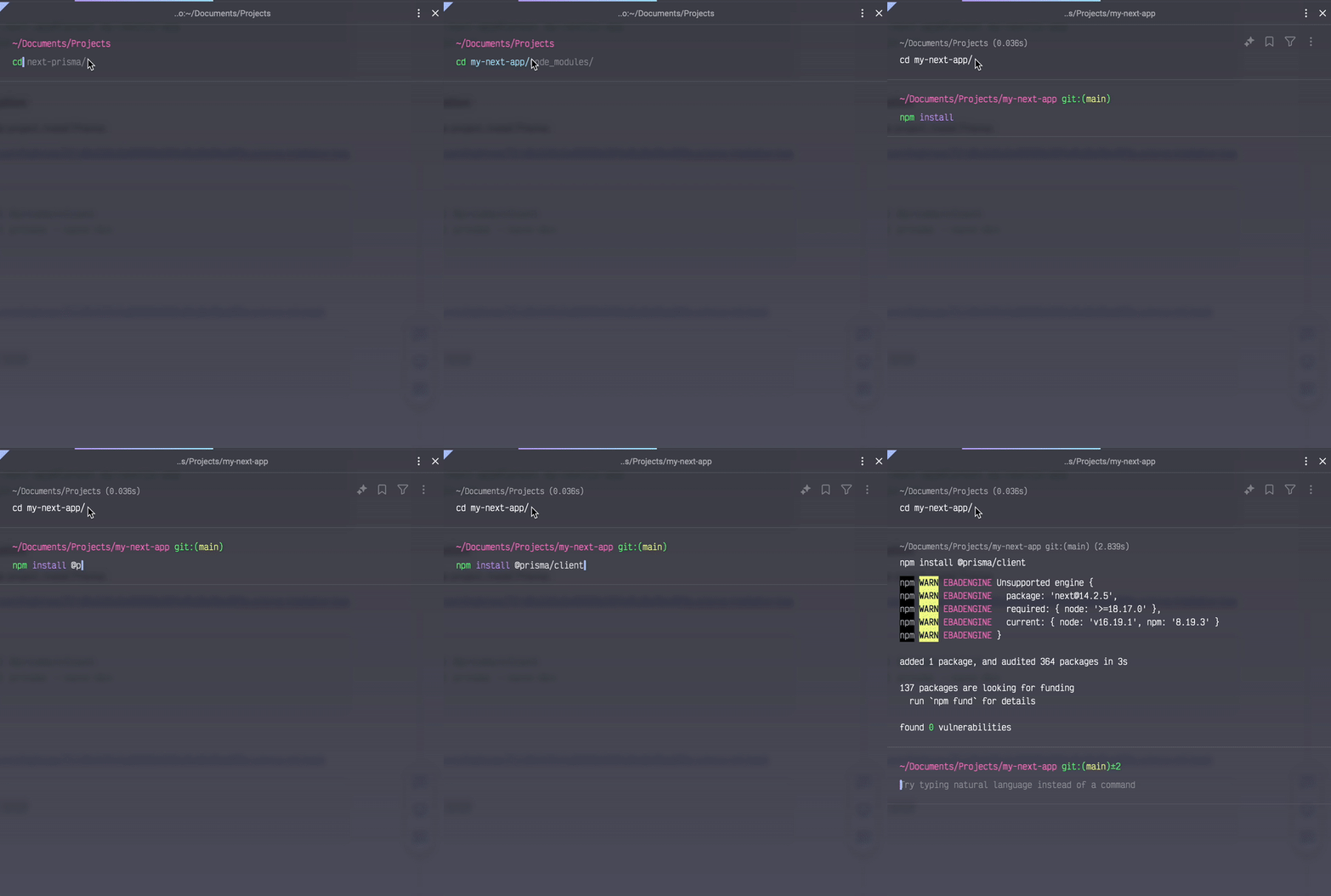
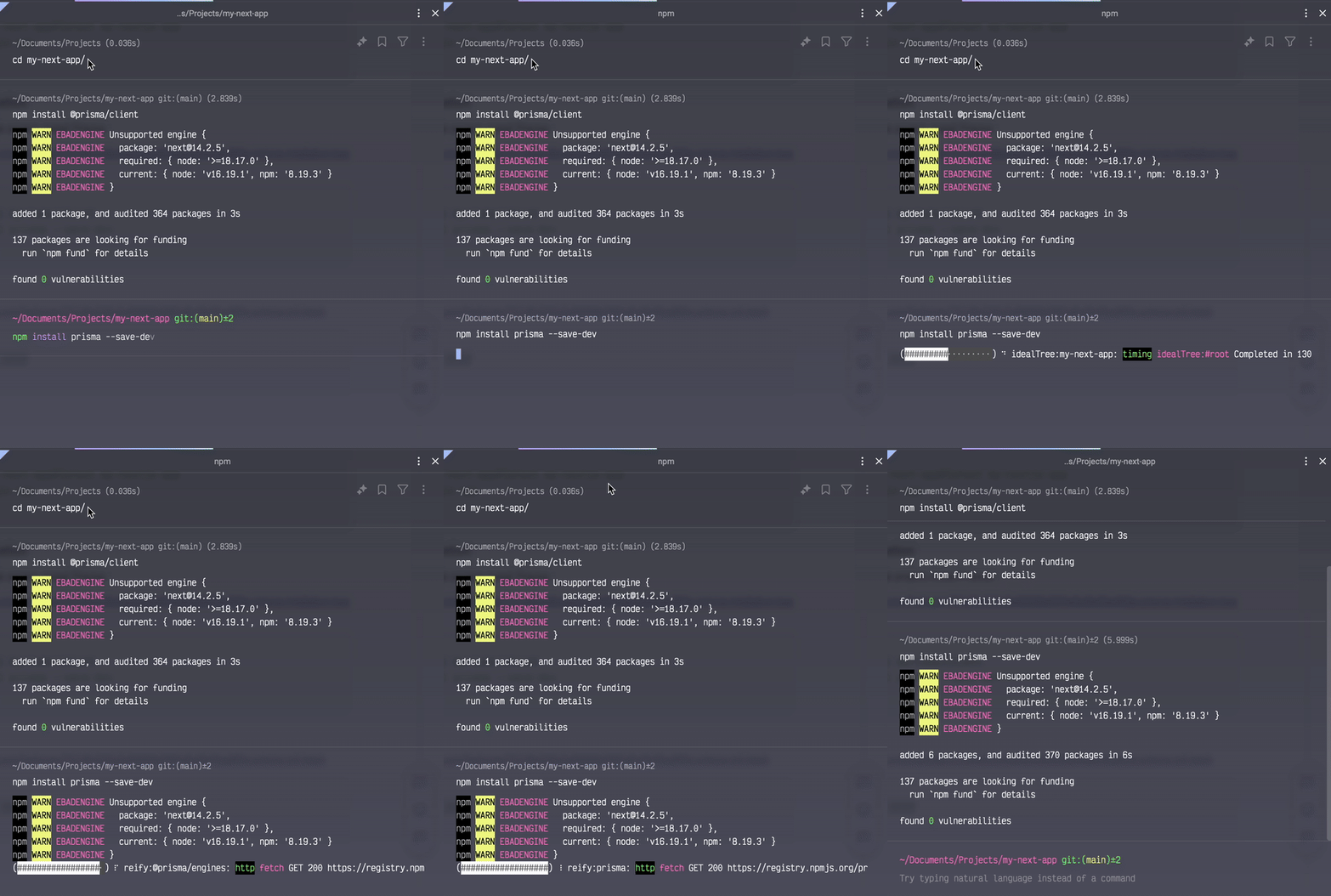
Within your Next.js project, install Prisma:
Initialize Prisma:
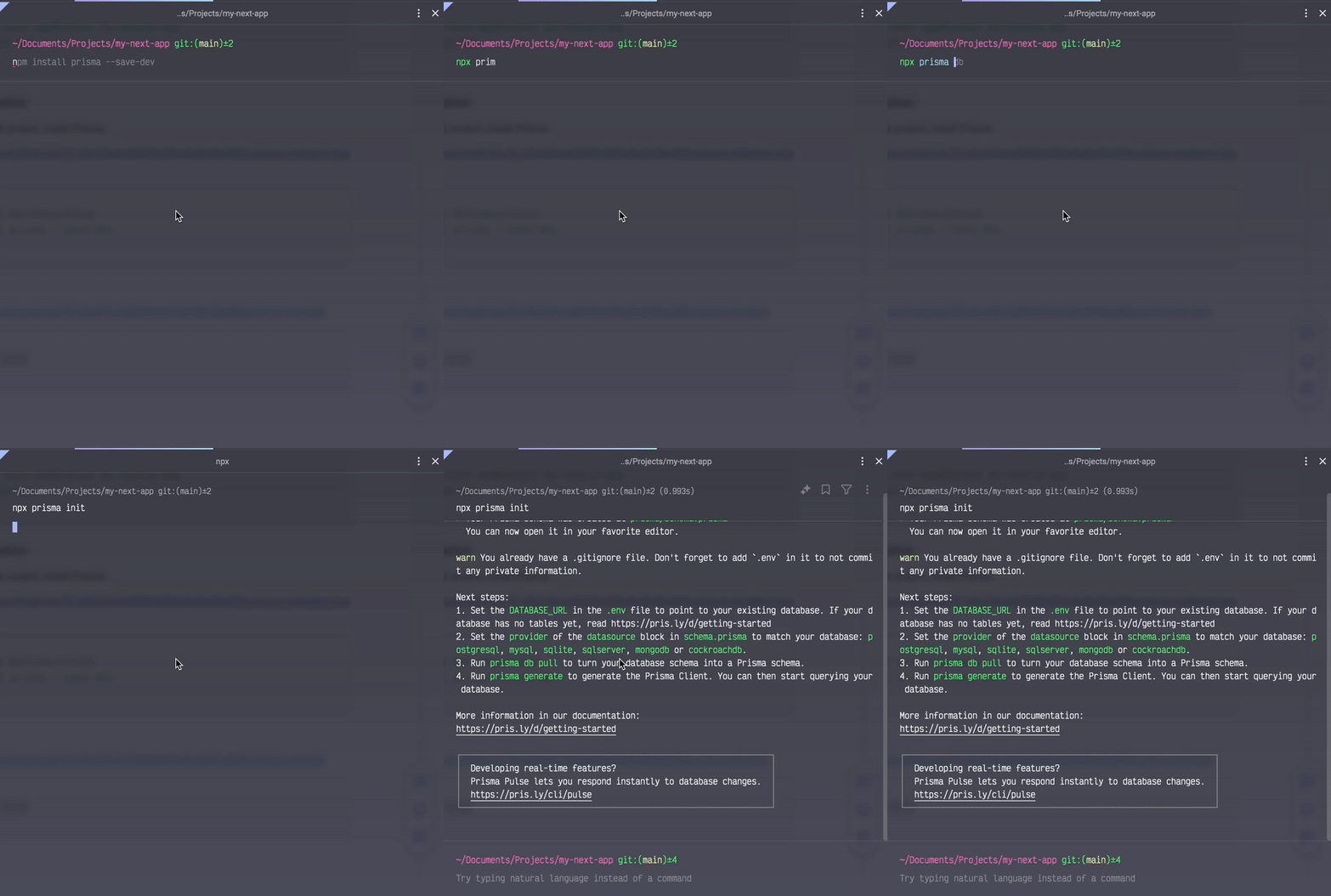
This will create a schema.prisma file in the prisma folder.
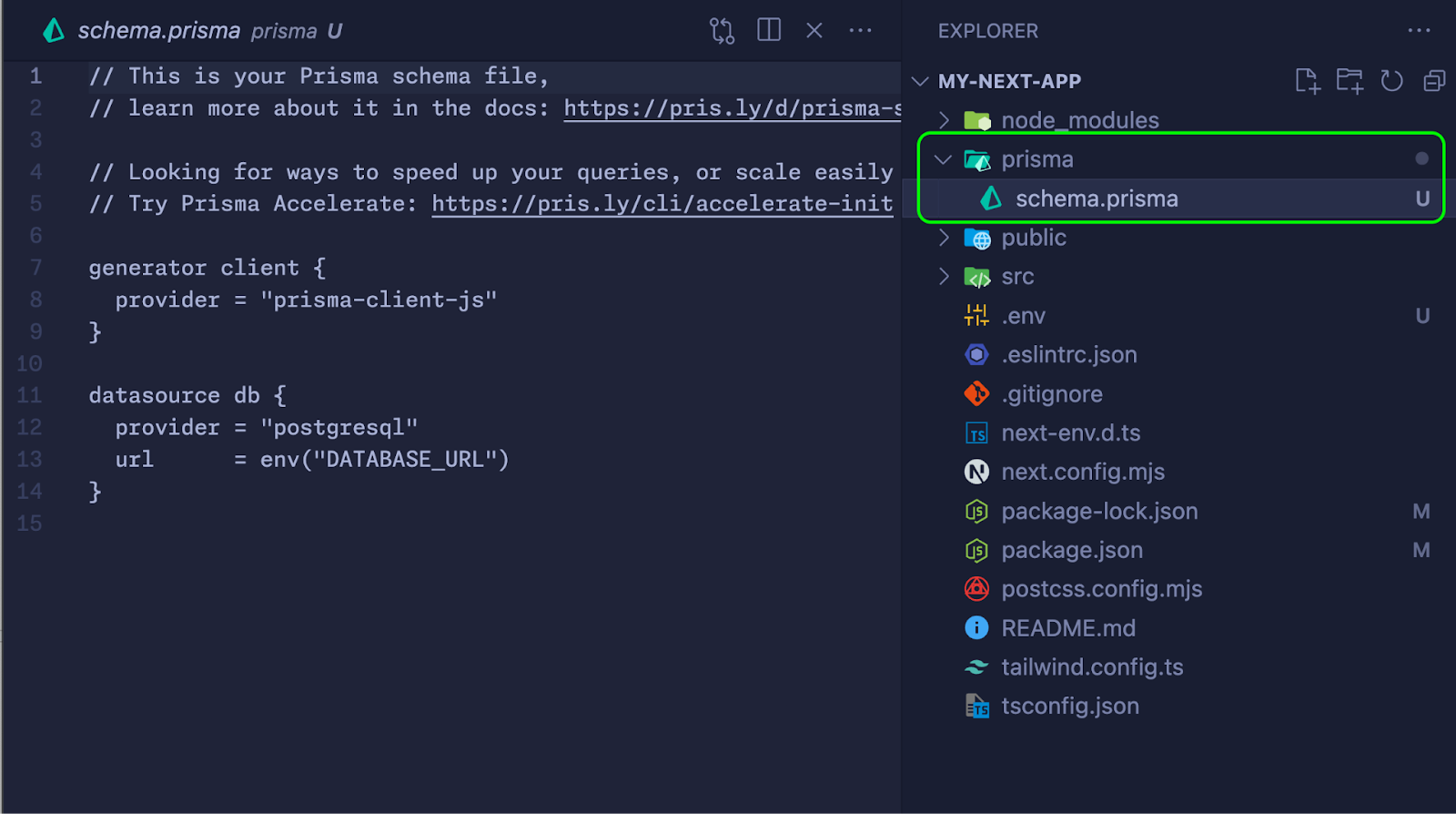
Using Docker to Set Up PostgreSQL
Docker makes it easy to set up and manage services like databases without needing to install them directly on your system. We'll use an official PostgreSQL image.
Configuring a PostgreSQL Container
- Create a docker-compose.yml file in the root of your project:
2. Start the container: Open a terminal in the root of your project and run:
This will download the PostgreSQL image (if you don't already have it) and spin up a container with the configured database.
Configuring the .env File
Now that your PostgreSQL database is running in a Docker container, you need to configure the connection URL in your .env file.
Create a .env file in the root of your project and add the following line:
Prisma Configuration
Prisma will now use this URL to connect to your database.
schema.prisma File
Ensure your schema.prisma file is configured correctly:
Running Migrations
To create the tables in your database, run:
This will apply the migrations and set up your database according to the schema defined in schema.prisma
Creating API Routes in Next.js with Prisma
API Routes Configuration
Create a pages/api/users.js file to handle requests:
Options for Viewing Database Content
To visualize the content of the database, you can use database management tools. Here are some options:
TablePlus
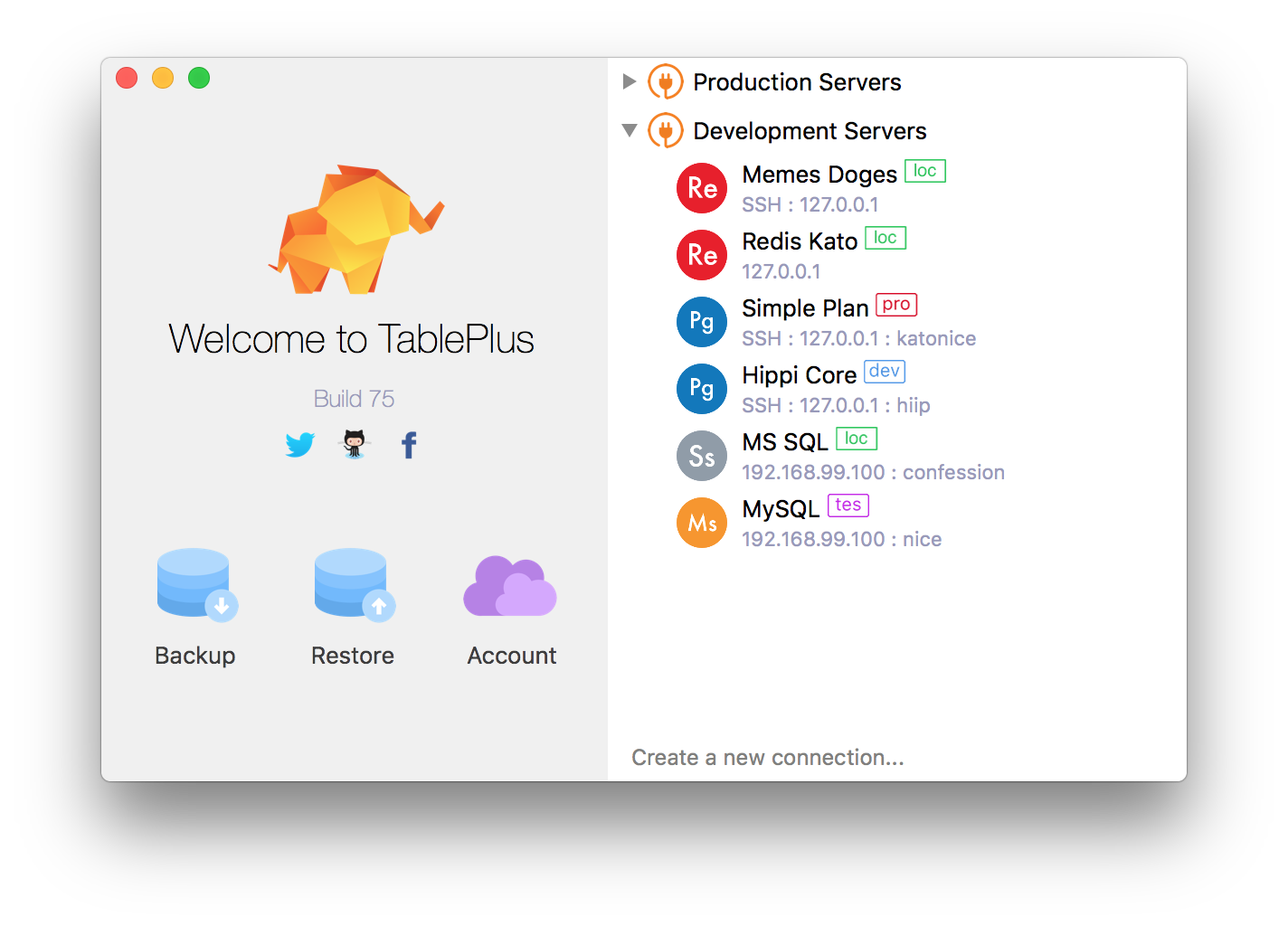
TablePlus is a modern, user-friendly tool for managing databases. It supports multiple databases, including PostgreSQL.
- Installation: You can download TablePlus from its official page.
- Configuration: Once installed, open TablePlus and create a new connection using your database details (myuser, mypassword, localhost, 5432, mydb).
pgAdmin
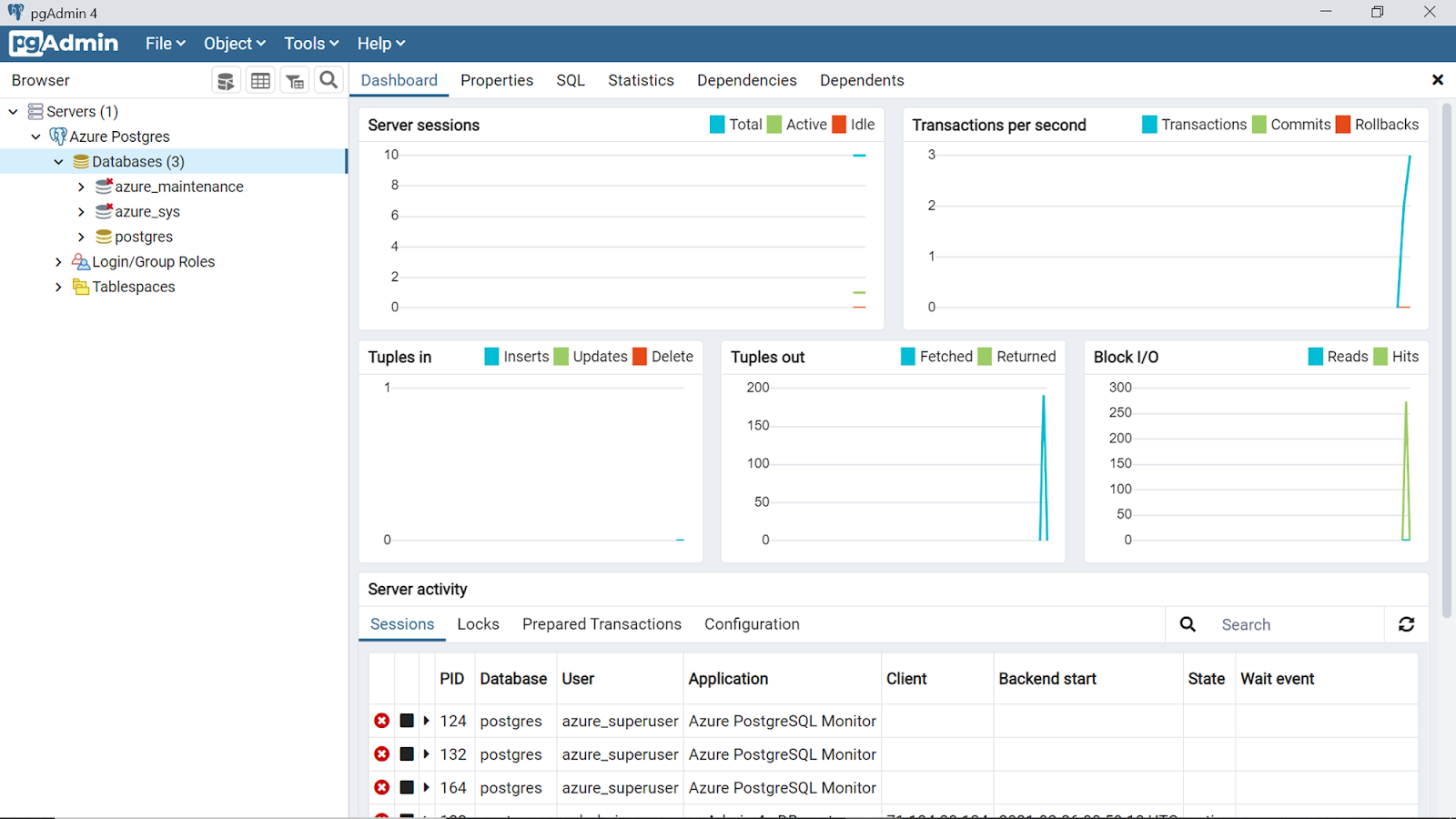
pgAdmin is a popular management tool for PostgreSQL that offers a graphical interface for managing databases.
- Installation: You can download pgAdmin from its official page.
- Configuration: After installing, create a new connection to your database with the same details mentioned above.
DBeaver
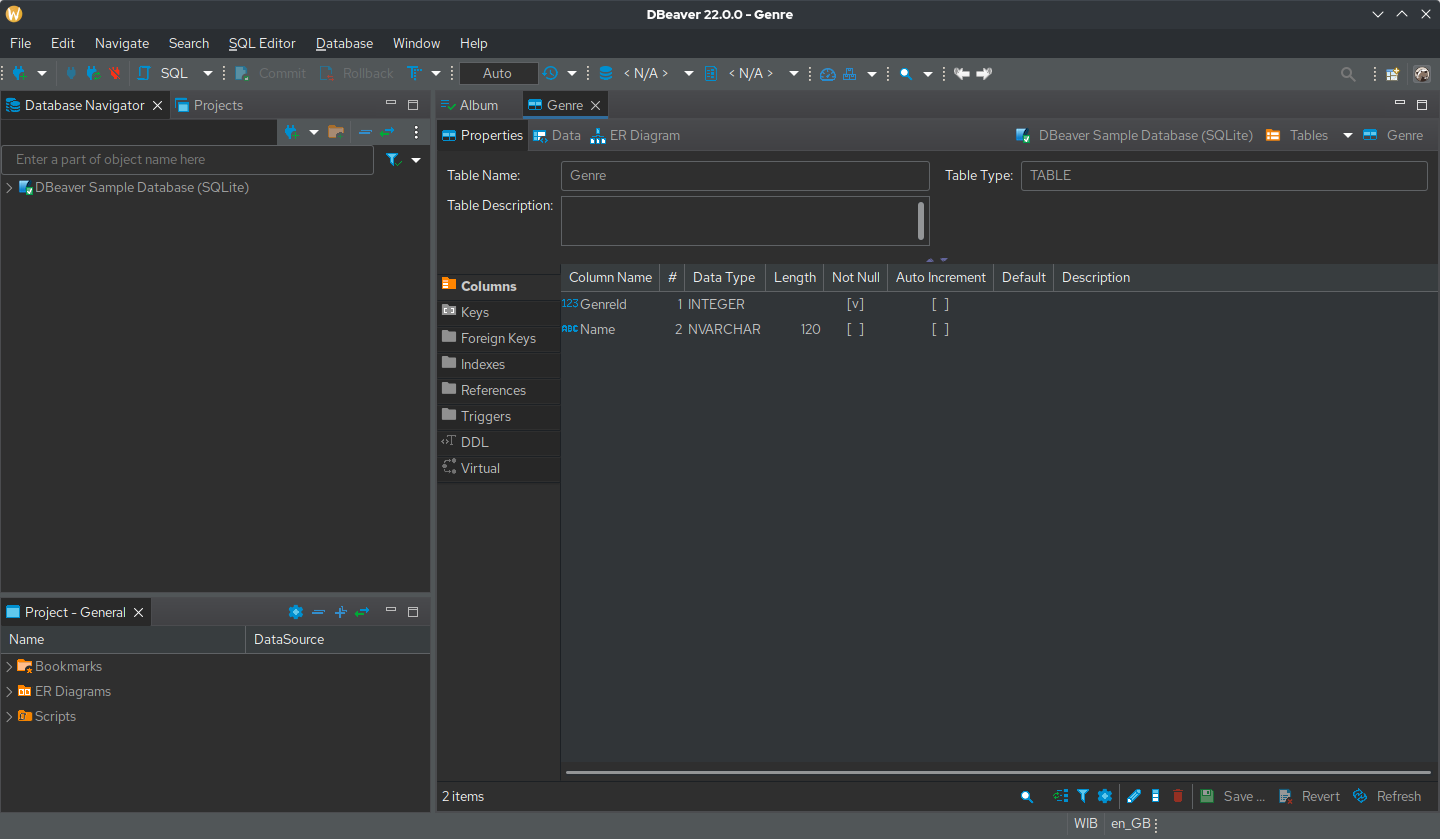
DBeaver is a universal database management tool that supports PostgreSQL and many other database systems.
- Installation: You can download DBeaver from its official page.
- Configuration: Set up a new connection using your database details.
Deployment
Options for Deploying a Next.js Application
You can deploy your application on platforms like Vercel or Netlify. Vercel, in particular, is an excellent choice for Next.js applications due to its native integration.
Considerations When Deploying with Prisma
Ensure you properly configure environment variables and the database on the deployment platform. Also, consider database migrations in the production environment.
Conclusion
Using Next.js with Prisma provides a powerful combination for modern web application development. Next.js makes it easy to create fast and optimized user interfaces, while Prisma simplifies database interaction with a modern, typed approach. Additionally, using Docker to manage the database with PostgreSQL simplifies setup and ensures your development environment is consistent and replicable. With tools like TablePlus, pgAdmin, and DBeaver, you can easily visualize and manage your database content.
Additional Resources:
With this guide, you should be well on your way to making the most of these tools in your projects.